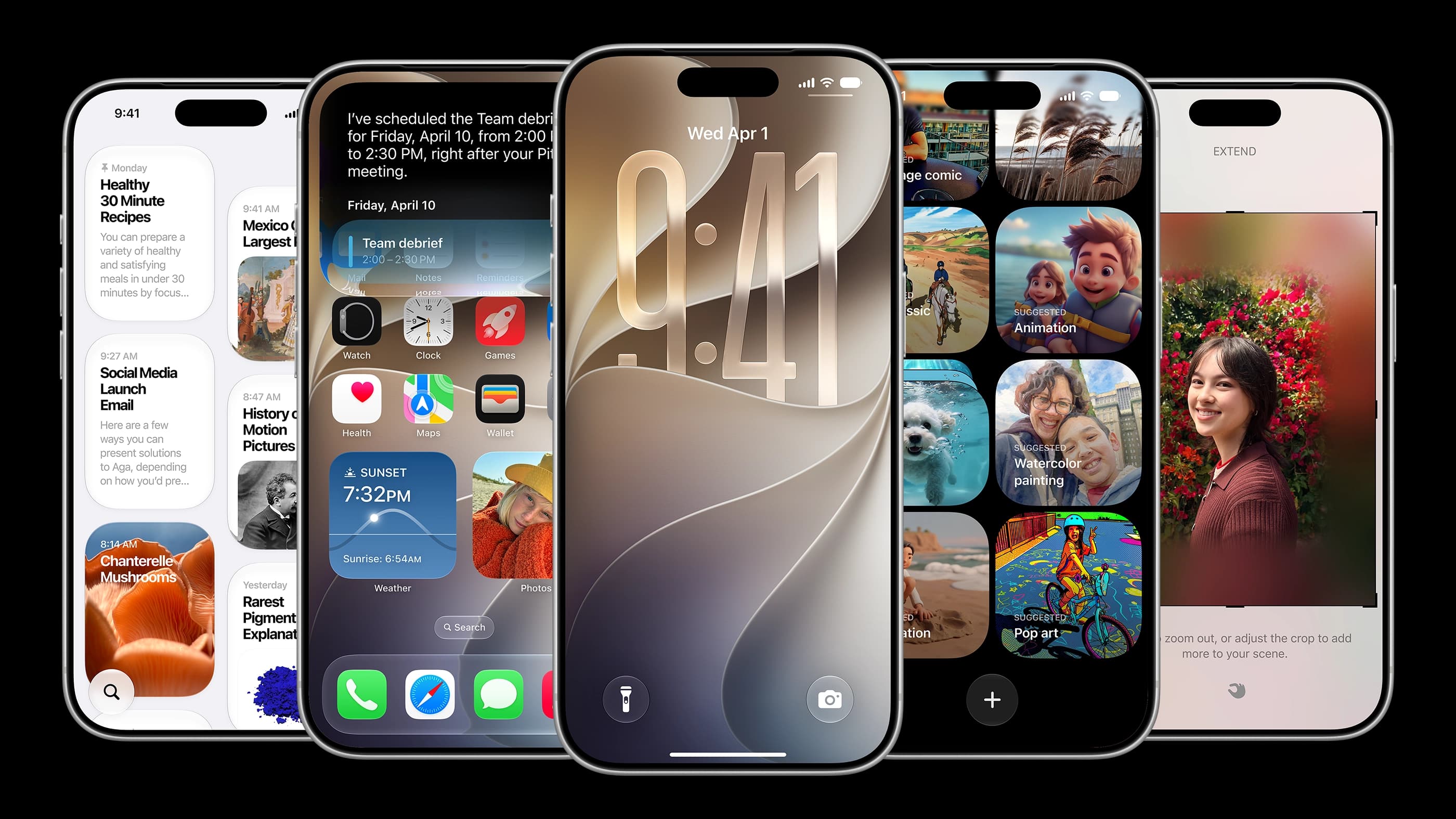
I did not expect to be impressed. Beta software is usually a minefield of bugs and half-baked features, and after a year of iOS 26 dropping frames and stuttering through basic transitions, my expectations for Apple's software team were already on the floor. Then I spent a day with iOS 27 beta 1 and came away genuinely surprised.
The smoothness is the first thing you notice and it does not let up. Opening apps, returning to the home screen, adding widgets, everything moves with a fluidity that iOS 26 never managed to maintain. This is not a subtle improvement either. It feels like using a different phone. For a first developer beta, that is almost unheard of.
AirDrop is the specific win I keep coming back to. I transferred footage from my iPhone to my Mac at least 40 times in a single day without a single failure. No buffering, no device not found errors, no mysterious cancellations mid-transfer. AirDrop has been quietly broken for years, the kind of broken that everyone complains about but accepts as normal. iOS 27 seems to have actually fixed it.
The alarm clock got an update that sounds minor until you think about how long it has been missing. You can now set separate volume levels for alarms, ringtones, and reminders independently. The old problem of keeping your ringer low to avoid being startled by an alarm while also missing actual calls is finally solved. Small fix, real impact on daily life.
The AI features in the Photos app are where things get interesting. The object removal tool existed before but it was embarrassingly bad. Removing a person from a photo would leave mangled backgrounds and missing limbs. iOS 27 fixes this properly. I removed a subject from a crowded photo and the fill was clean, no obvious artifacts, no missing body parts. Two years late, but it works now.
The reconstruction feature is genuinely useful for anyone who has ever wished they had stepped slightly to the left before shooting. You can shift the angle of a photo after the fact and Apple's AI fills in the new background and subject position automatically. The results are not perfect but they are convincing enough for casual use. Photo expansion works similarly and handles most crops well, though heavy overexposure remains a weakness.
On the visual side, the liquid glass keyboard is now universal regardless of whether the app has been updated to support it. Apple is also giving the transparency slider twelve levels of adjustment in iOS 27, up from two options in iOS 26.1. If you hated the glass look or loved it or wanted something in between, there is now a setting for exactly your preference.
One thing caught my eye that has nothing to do with the current feature set. A new widget size exists that fills an entire screen, far larger than anything the current iPhone lineup needs. The lock screen clock can now collapse into the date bar rather than dominating the display. Both of these feel like deliberate preparations for a foldable screen, a device that needs flexible layouts and compact UI modes.
My honest recommendation at this stage is to wait. Beta 1 is smoother than expected but I ran into occasional lag, one restart, a screenshot that refused to crop, and a moment where my signal bar disappeared entirely. None of it was catastrophic but none of it was ready for a daily driver either. A month from now the public beta will be in better shape.
When the official release arrives though, upgrade without hesitation. The performance alone makes it worth it.